From the driveway to anywhere
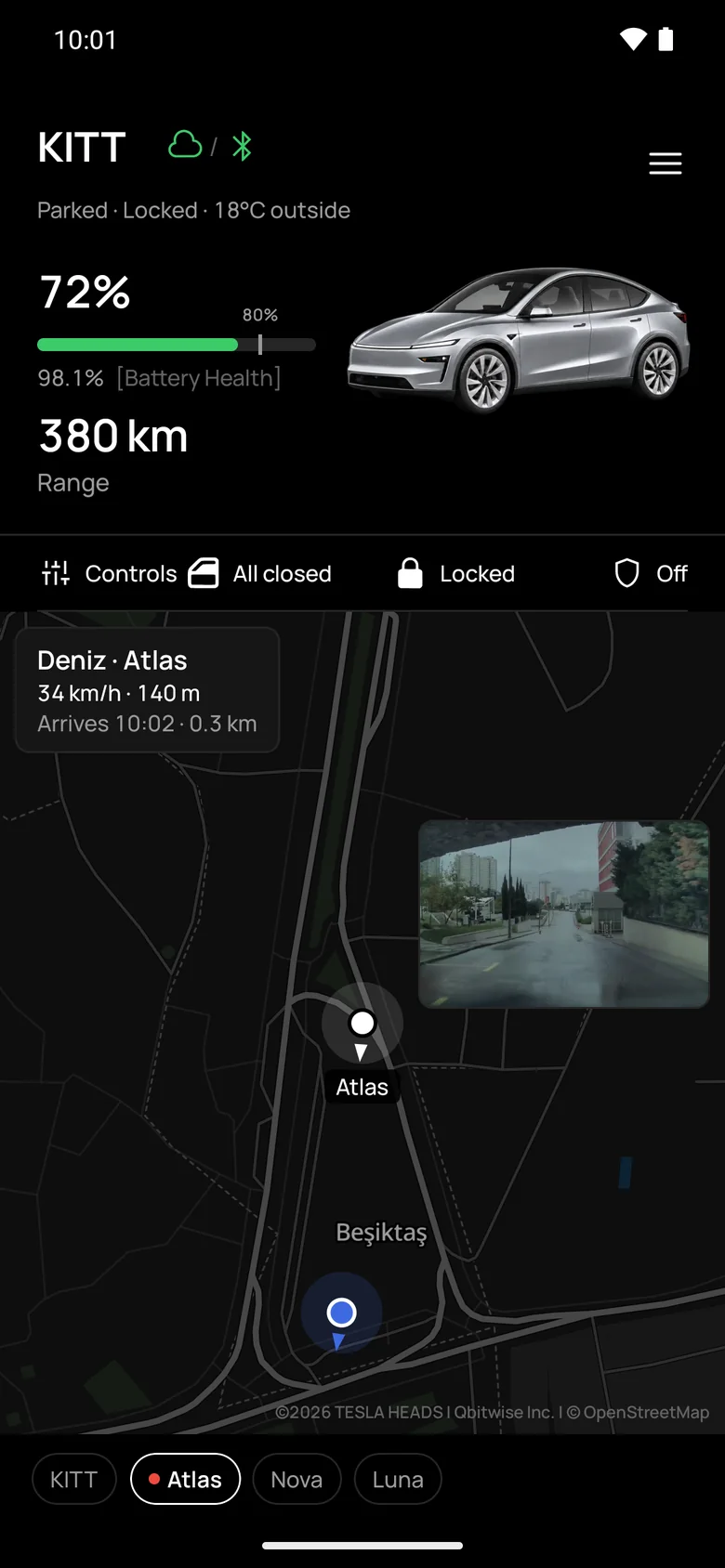
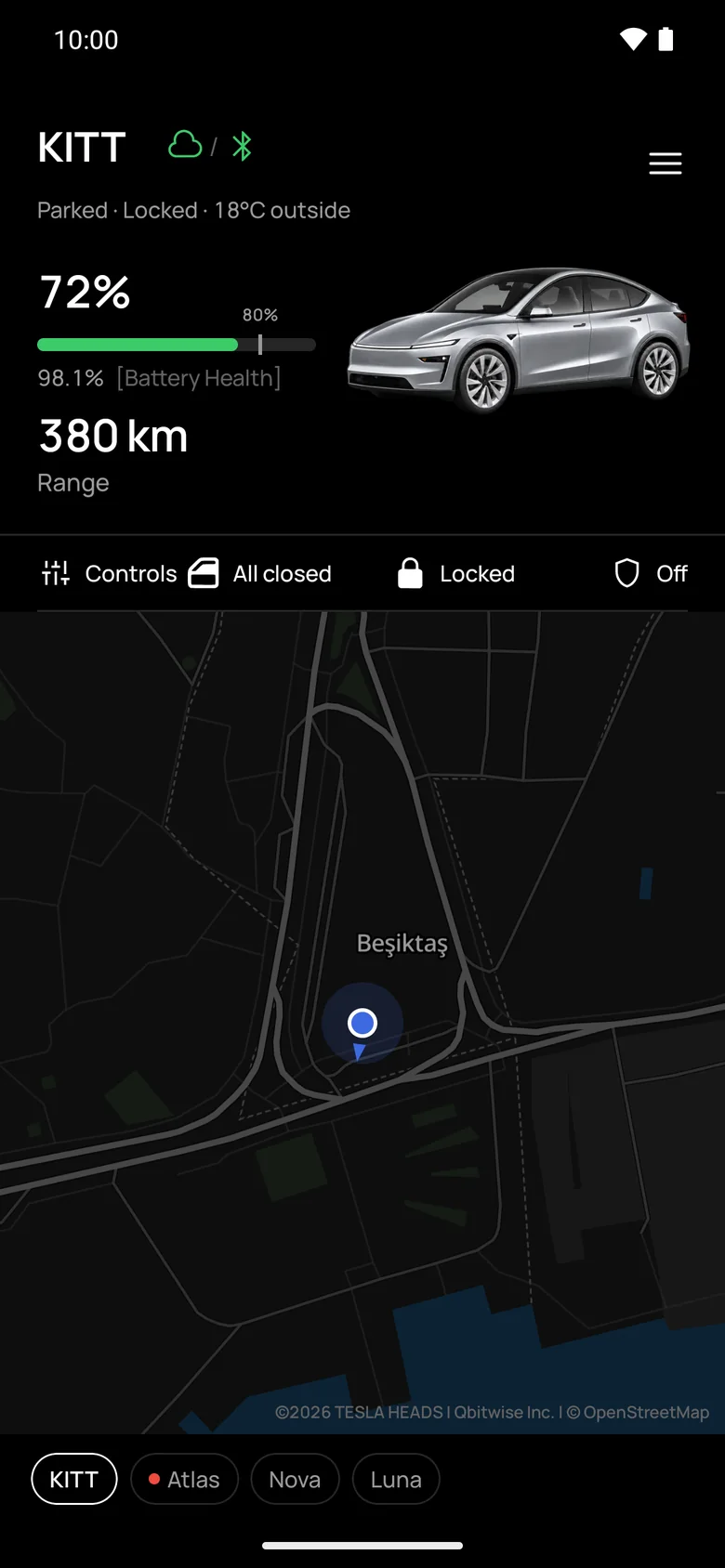
Up close it is a phone key and an instrument panel. Far away it keeps watch, records your drives and shows your car on the map.
-
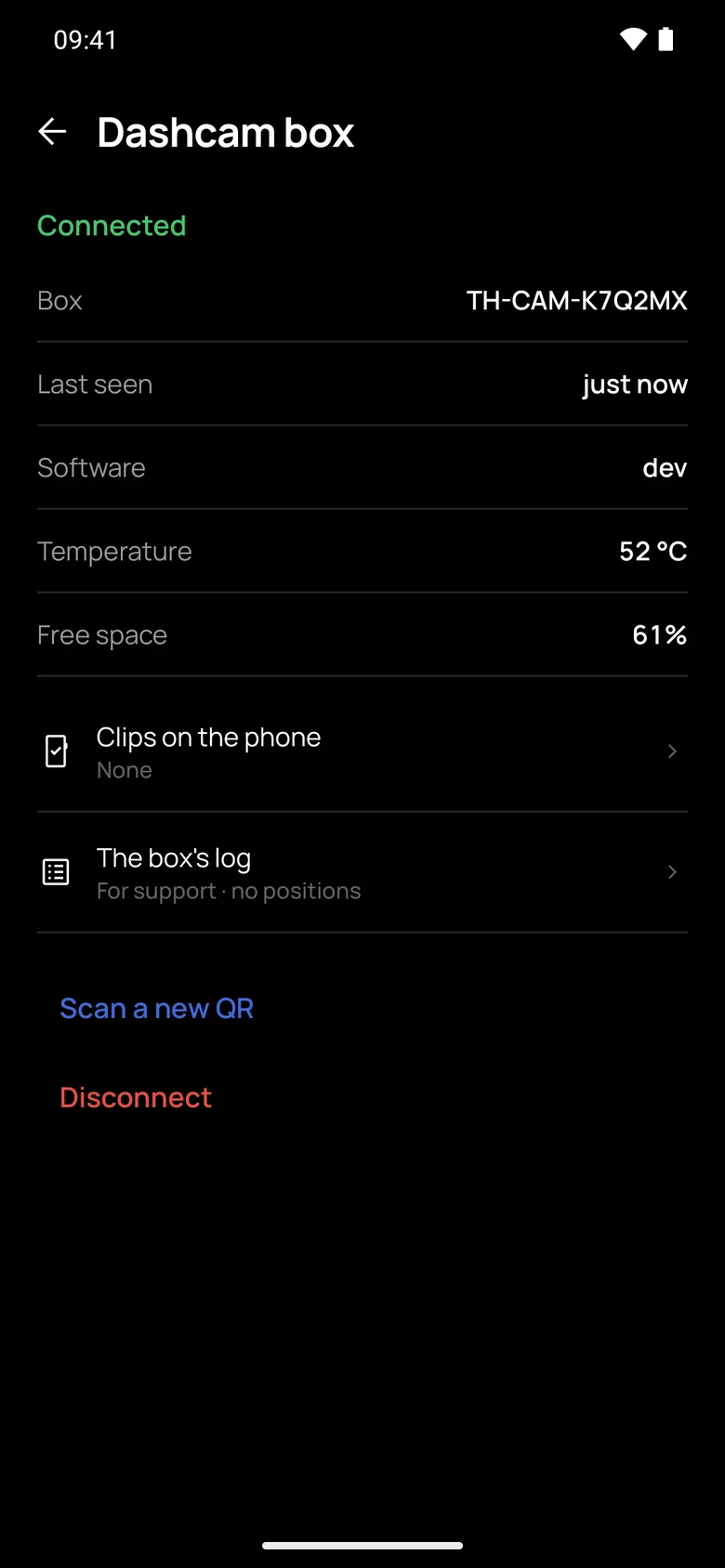
Beside the car
Bluetooth
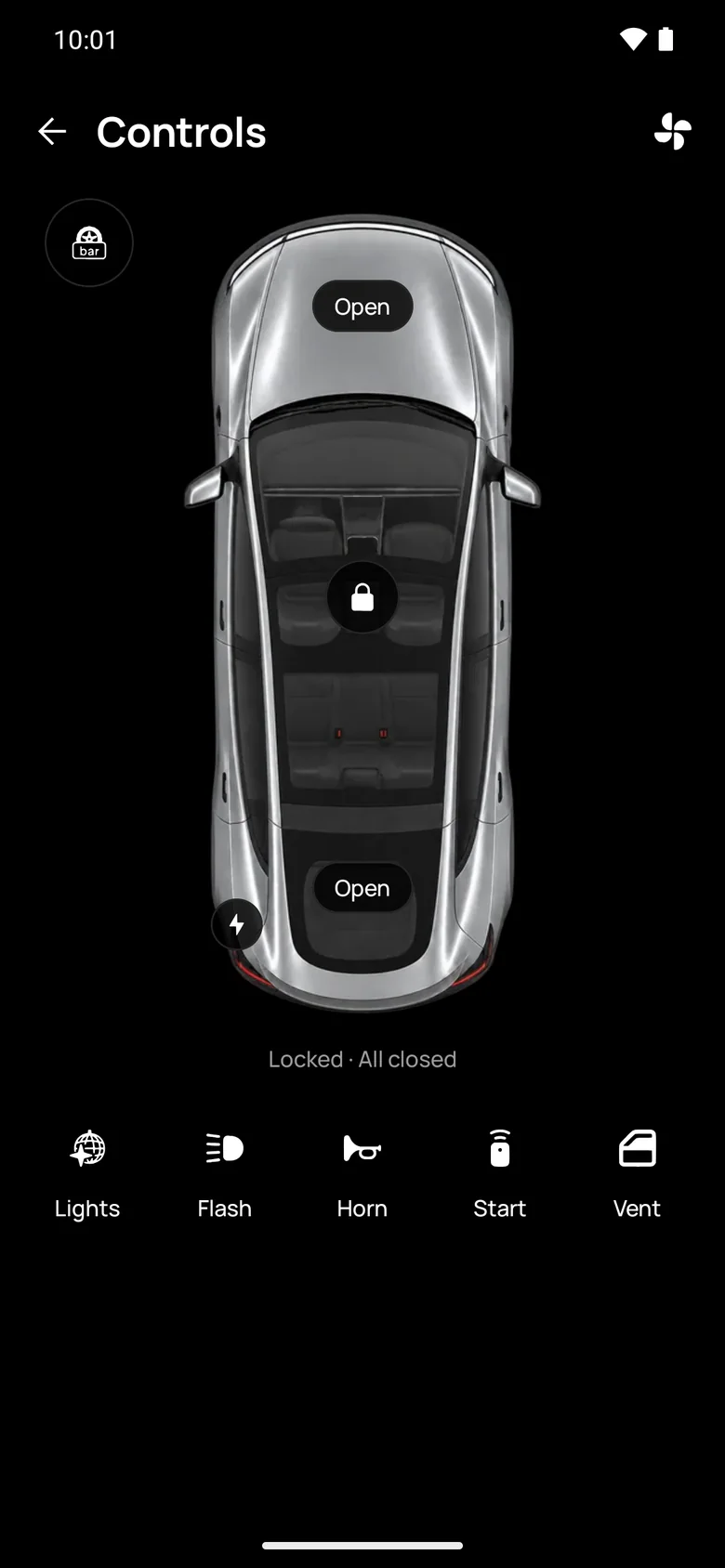
Phone key
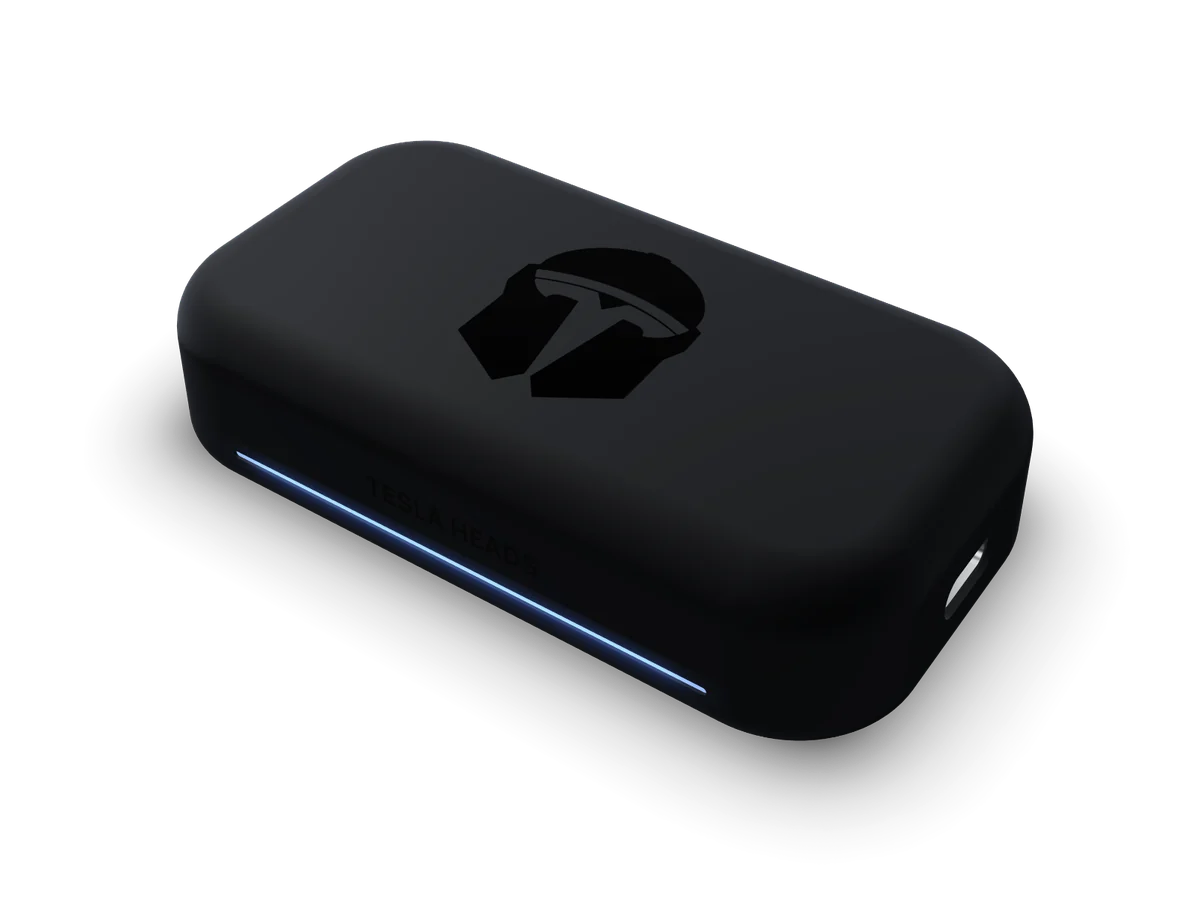
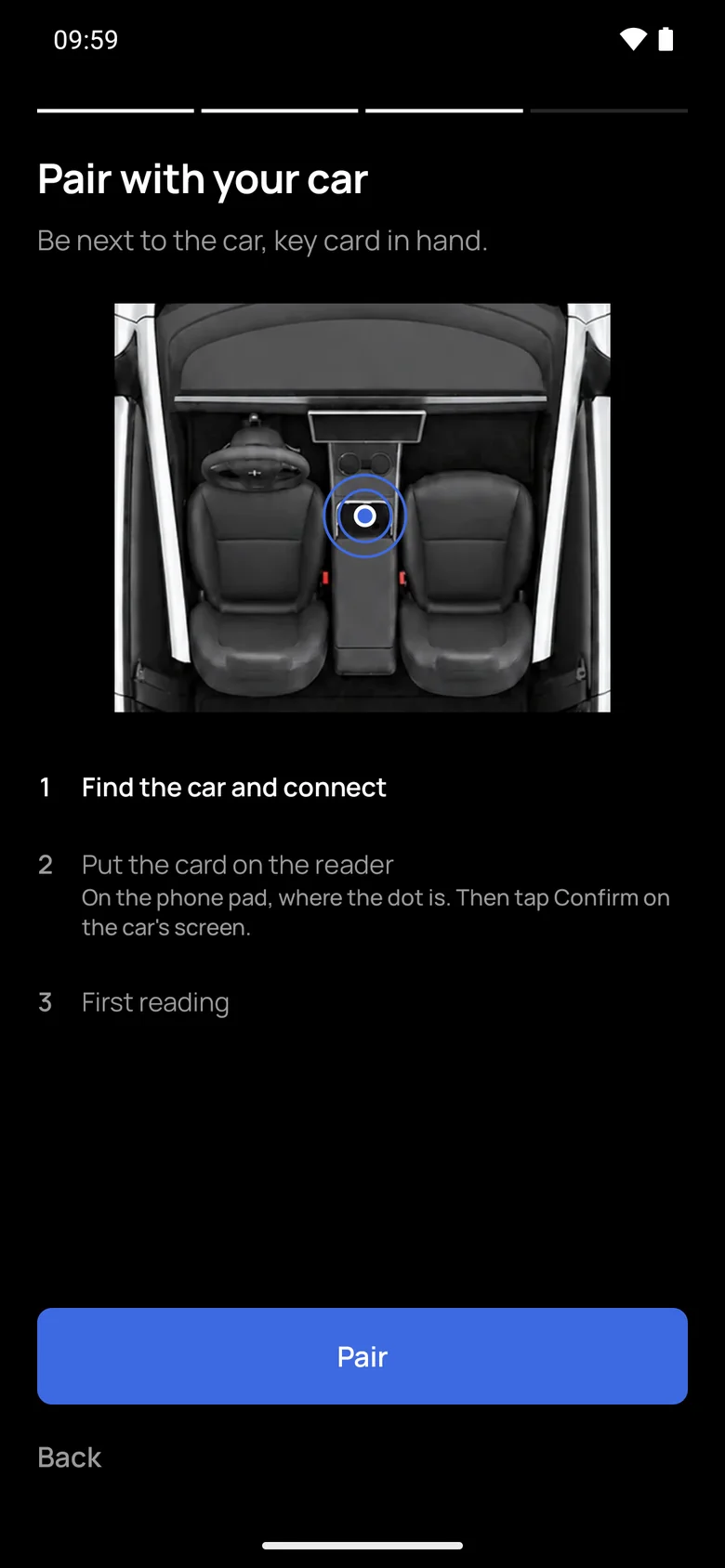
TeslaHeads adds its own Driver key to your car over Bluetooth. Setup takes four steps: the app reads the VIN from the car's screen with the camera, then you tap the key card to pair. After that it connects by itself when you are near, even with the app closed.
- Lock; unlock after your fingerprint or Face ID, with a two-tap guard
- Frunk, trunk, vent or close the windows, charge port, horn, flash
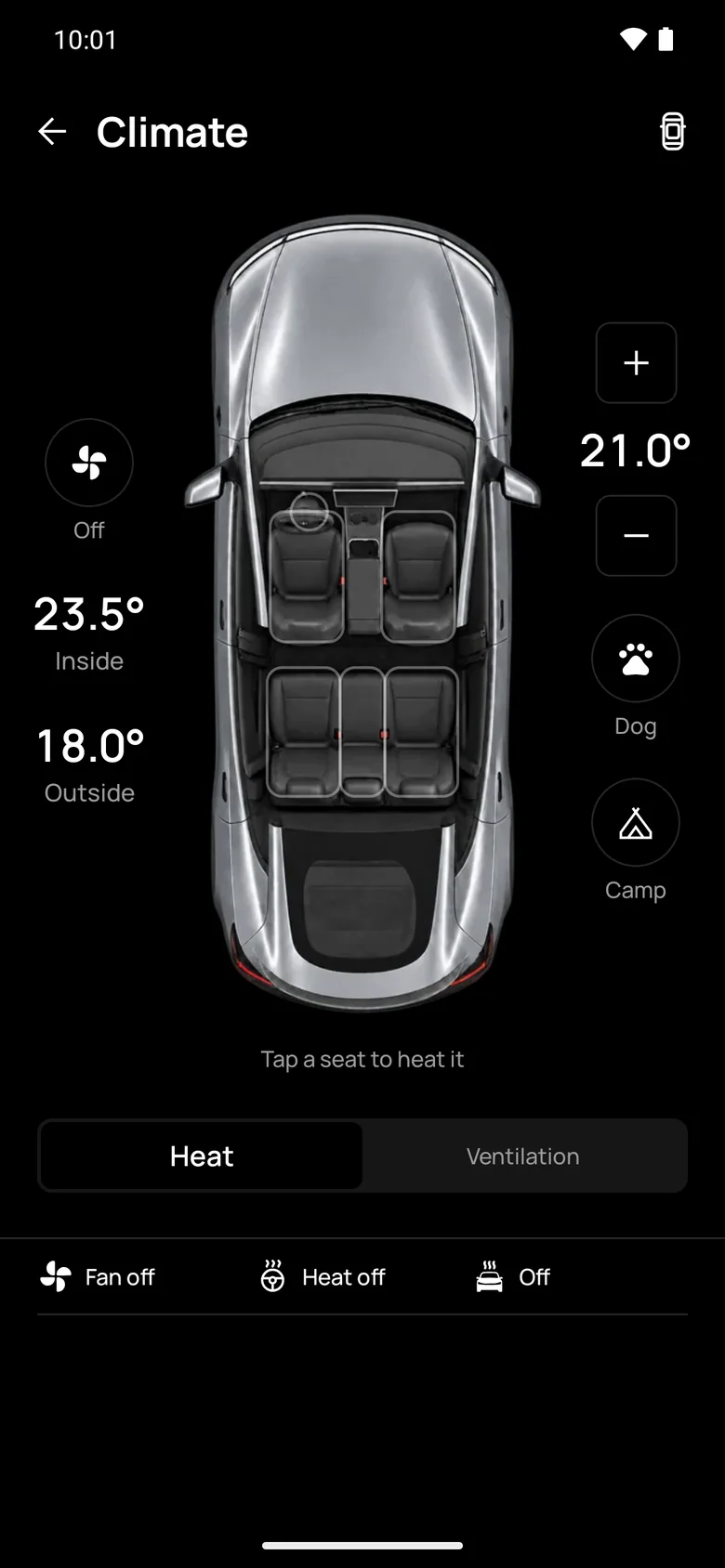
- Climate and temperature; Keep, Dog and Camp modes; seat heating and ventilation
No Tesla yet? Demo mode runs the app with a simulated car.
-
Beside the car
Bluetooth, no internet
Live state
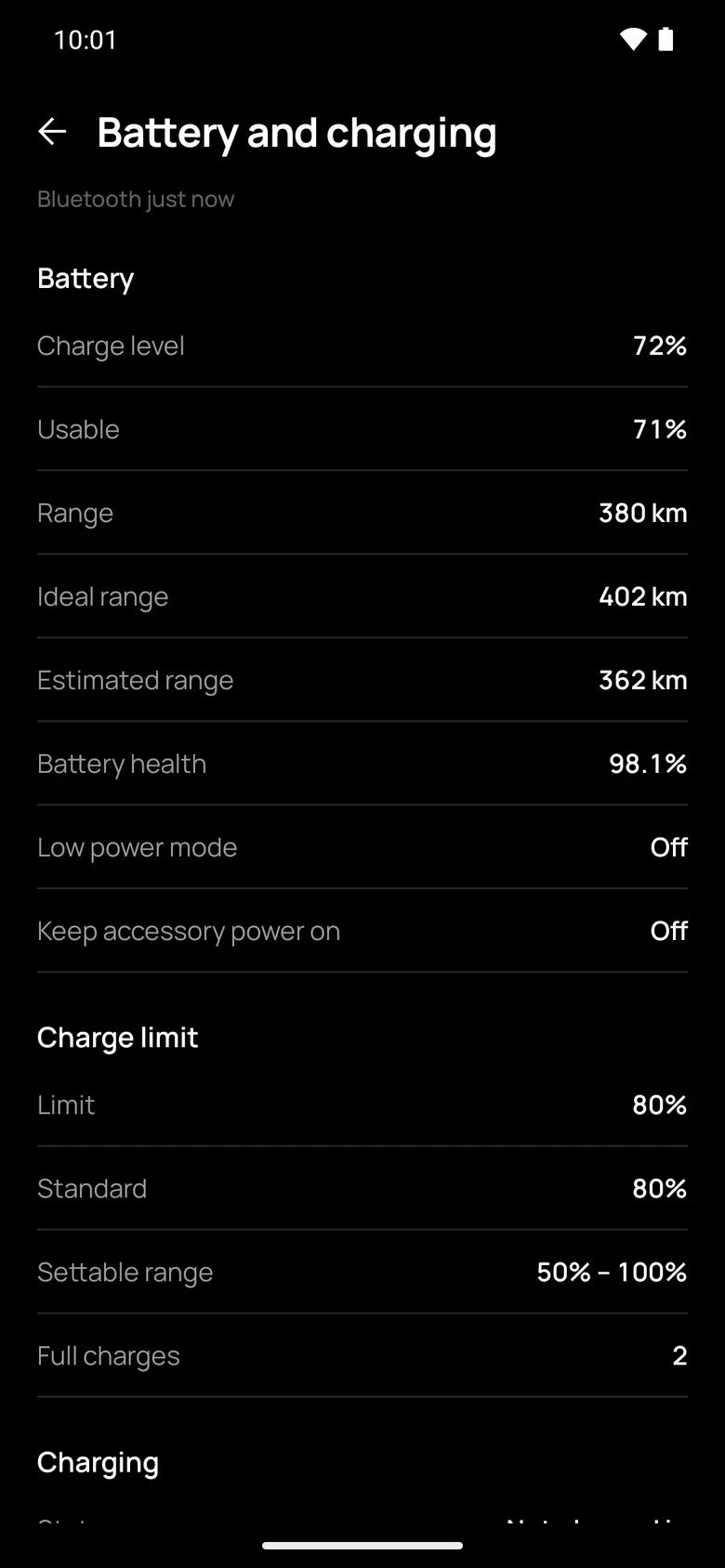
What the car itself reports: battery, range and battery health to one decimal, charging power, what is limiting the charge and the charge-port light's colour; doors, locks, windows, trunk and frunk.
- "Locked from inside" and "someone in the car"
- Cabin Overheat Protection and Dog Mode in detail
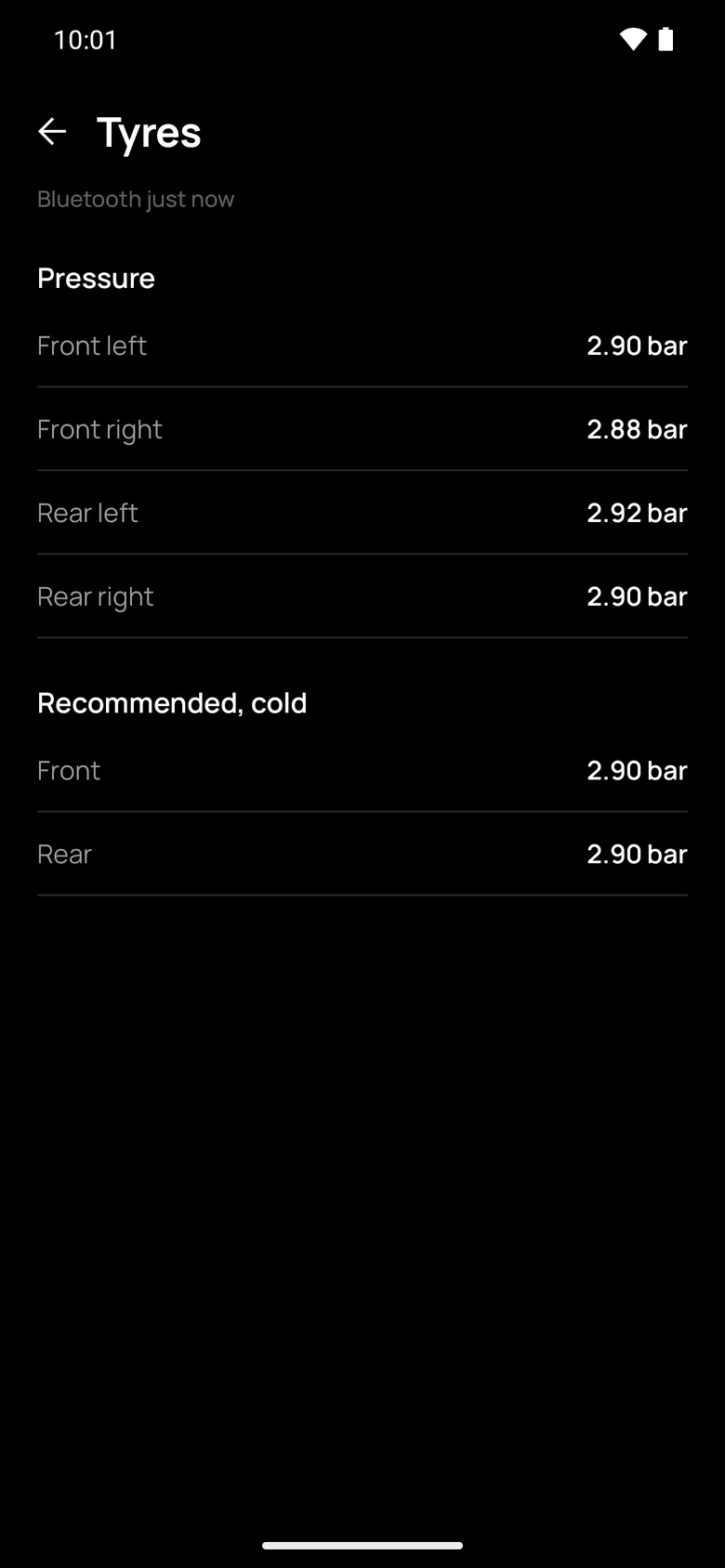
- Tyre pressures beside the recommended values
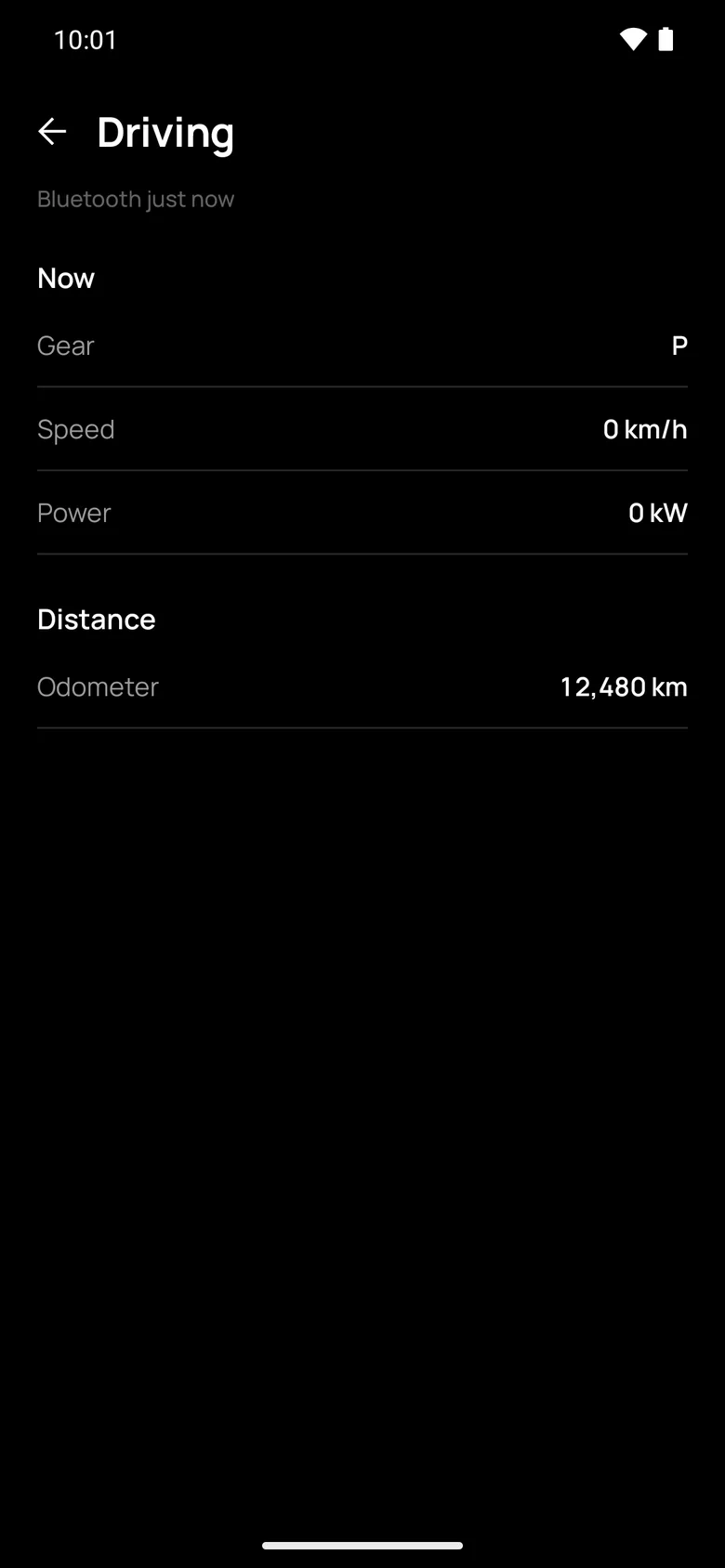
- Drive power in kW, negative while regenerating
- Elevation, GPS accuracy, compass
- The car's key list, with each key's type and role
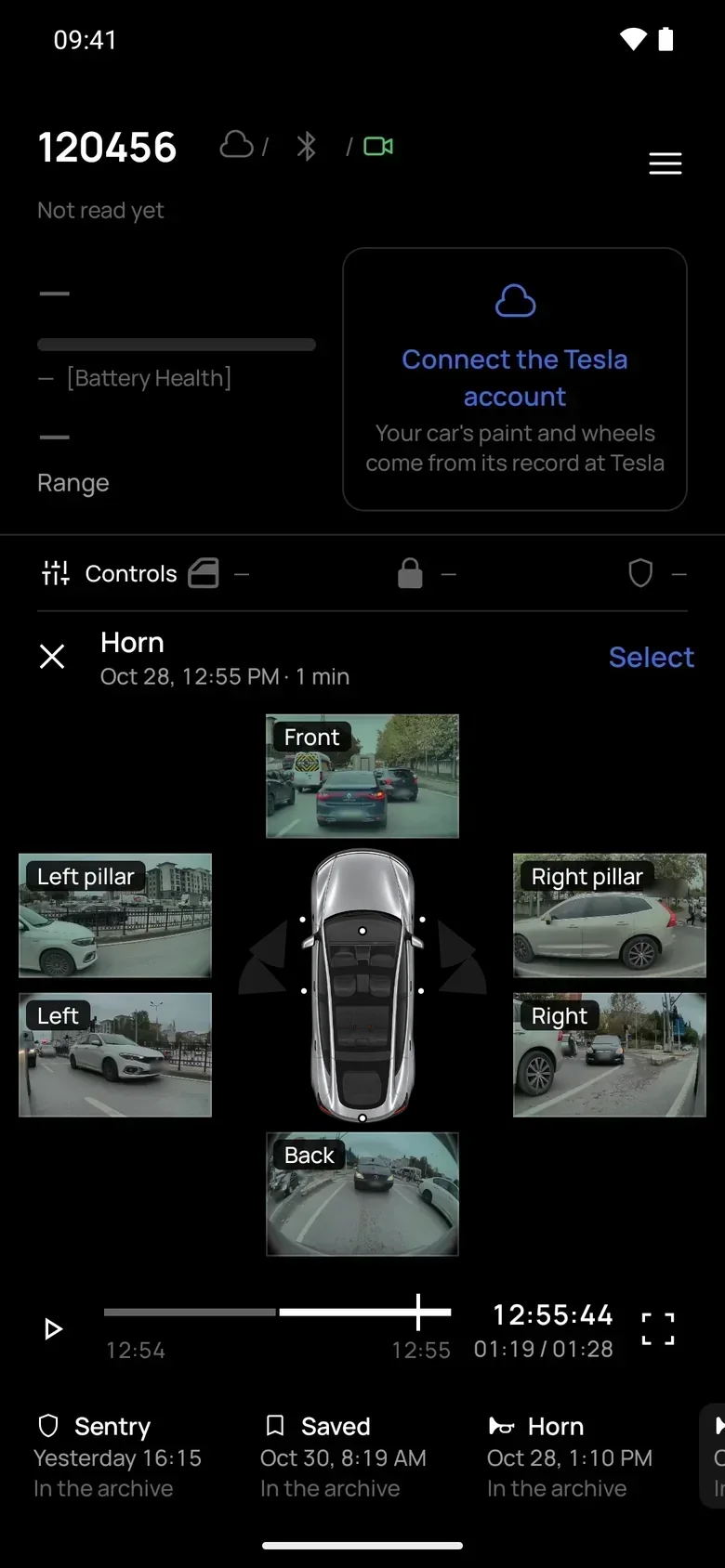
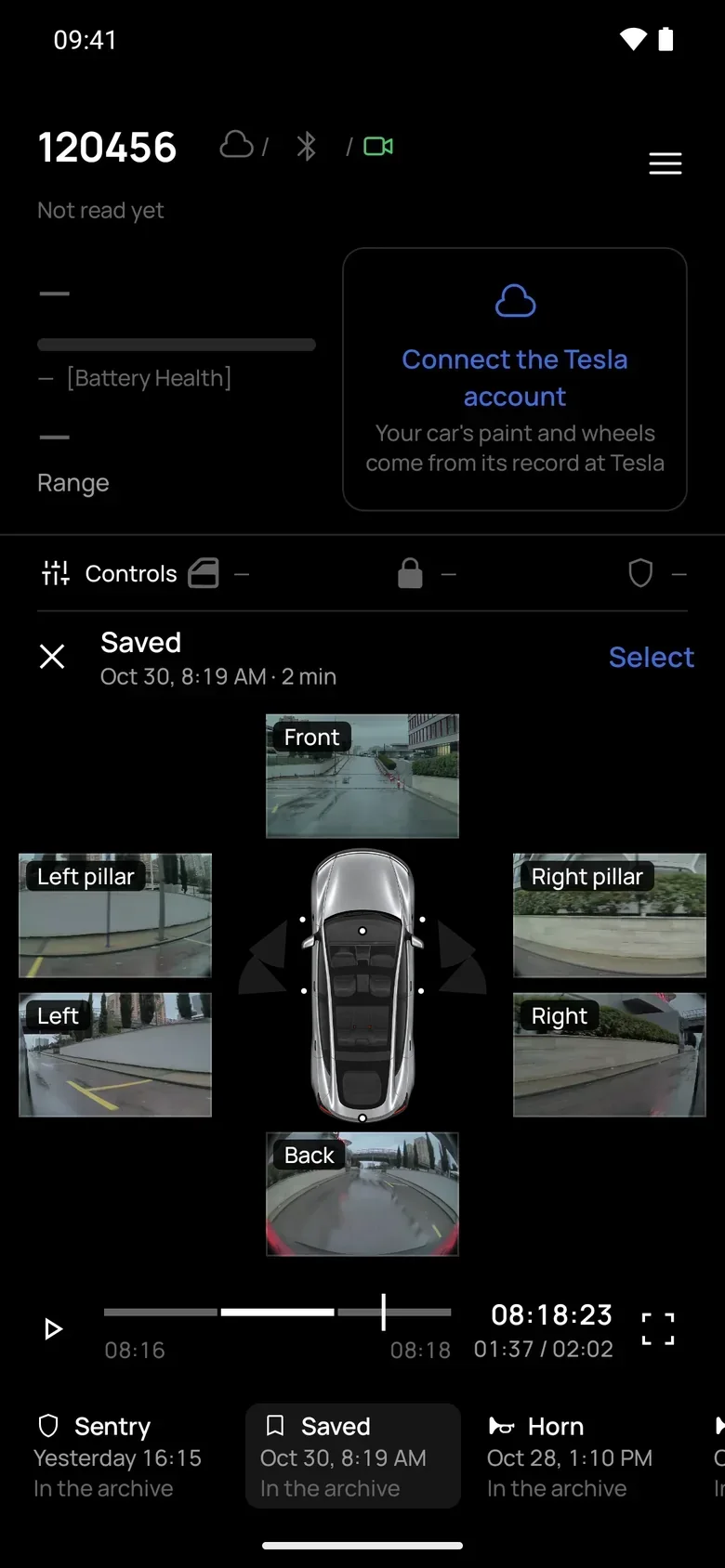
- Sentry's live state: off, idle, armed, aware, alarm
-
Walking away
The phone, then the Tesla cloud
Sentry watch
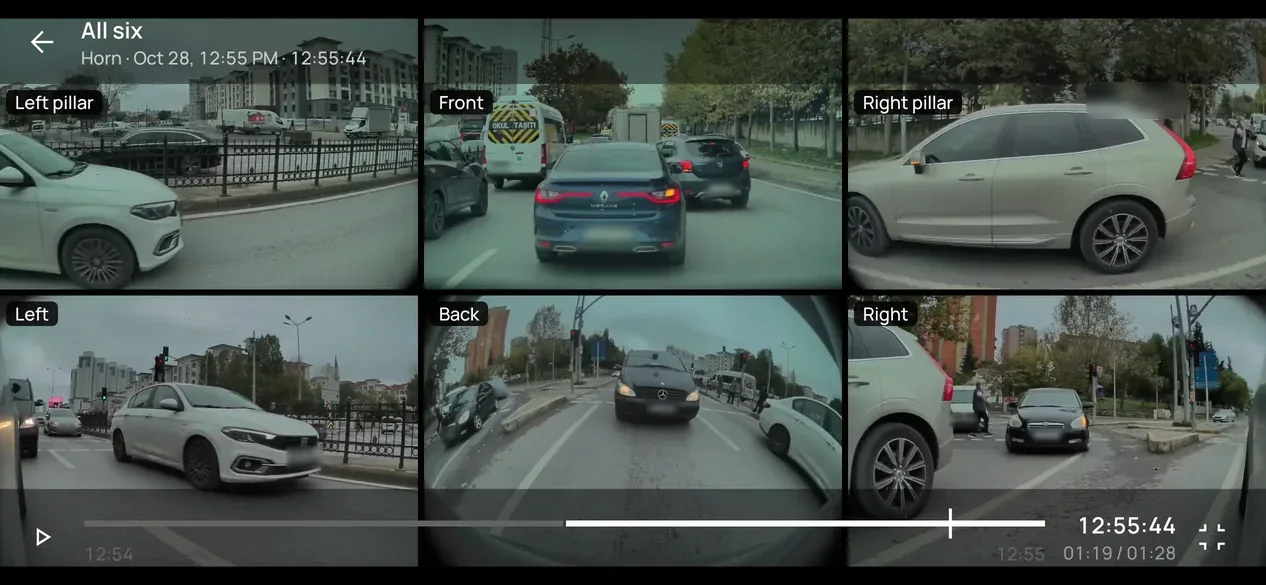
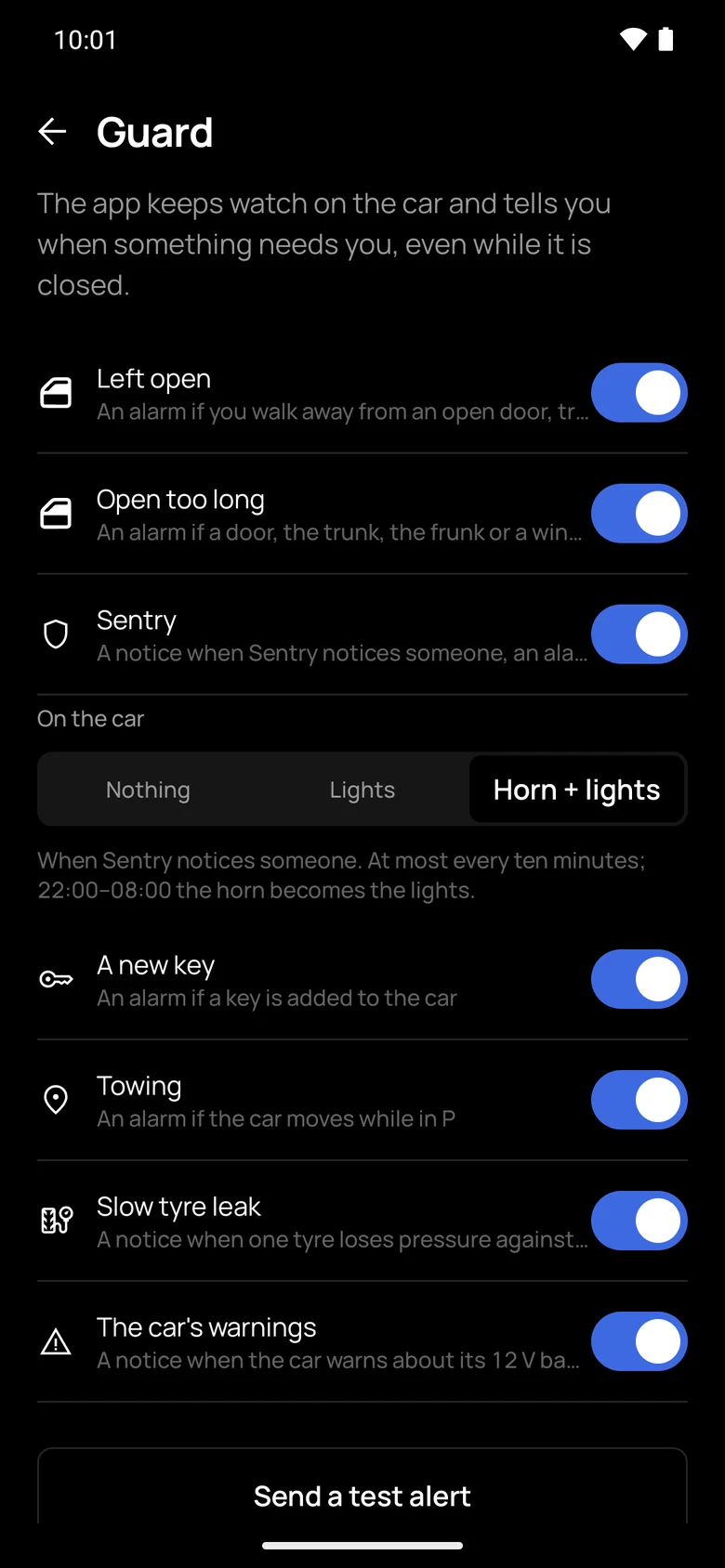
TeslaHeads keeps watch with the app closed and tells you when something happens to the parked car.
- Towing: the parked car moves more than 150 m
- A new key is added to the car
- Sentry notices someone. If you like, the car answers with lights or the horn; only lights from 22:00 to 08:00
- A slow tyre leak, one tyre 0.15 bar below the other three, before the car's own warning
- Left open, doors or windows: from the phone as you walk away, from the cloud after 10 minutes in P
Alarms break through Do Not Disturb and Focus. Alerts never carry the car's name, VIN or location.

A key was added to your car
Keys on the car: 5 → 6. If it was not you, see Locks › Keys on the car's screen.
Seen
Your car is moving
It is in P but has moved 420 m. It may be being towed.
Seen
A slow tyre leak?
Rear left tyre: down 0.18 bar against the others over the last days.
-
On the road
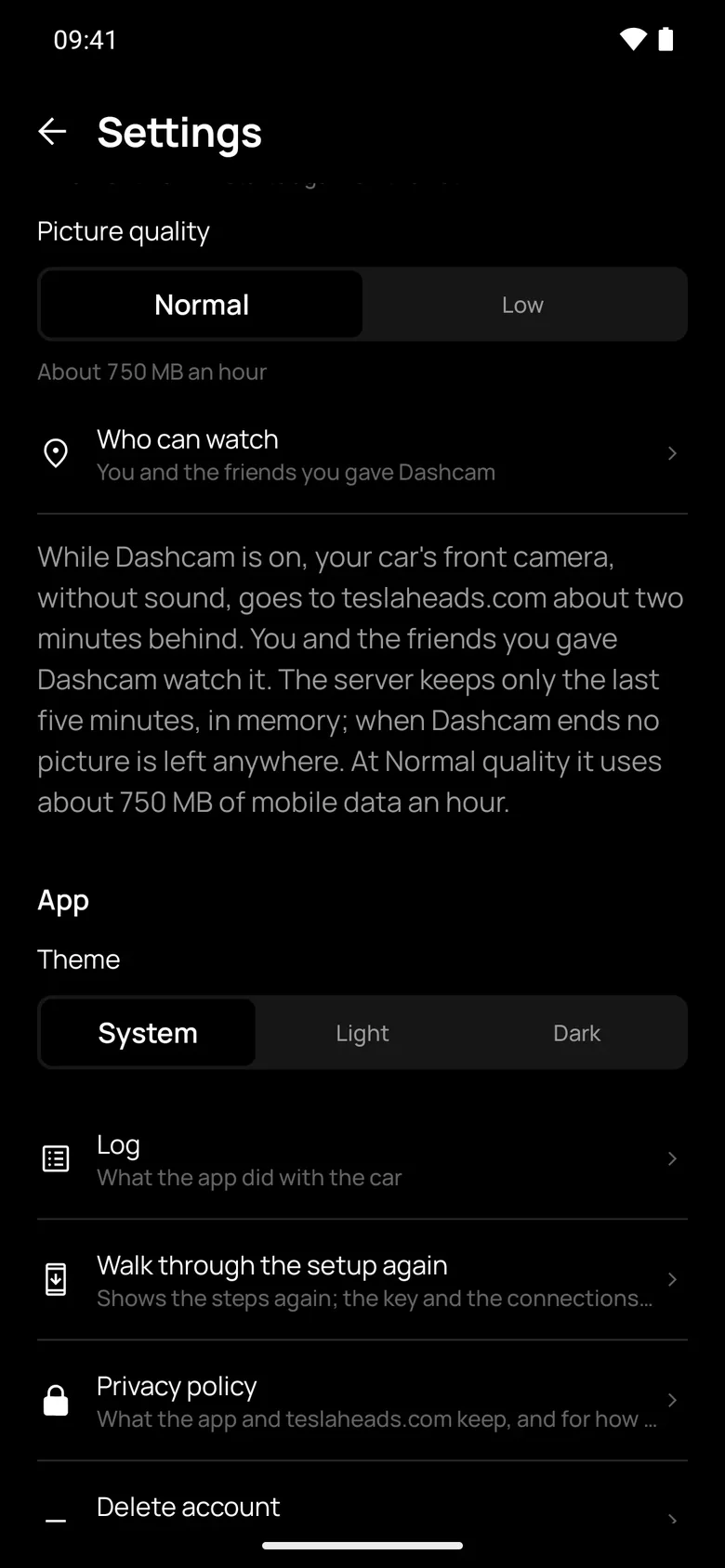
Recorded on the phone
Drives
Every drive is recorded on its own. It starts when the car leaves P and ends 3 minutes after it returns, with a sample every 2 seconds, even with the app closed. Fifteen minutes take about 5 KB and wait on the phone until there is internet.
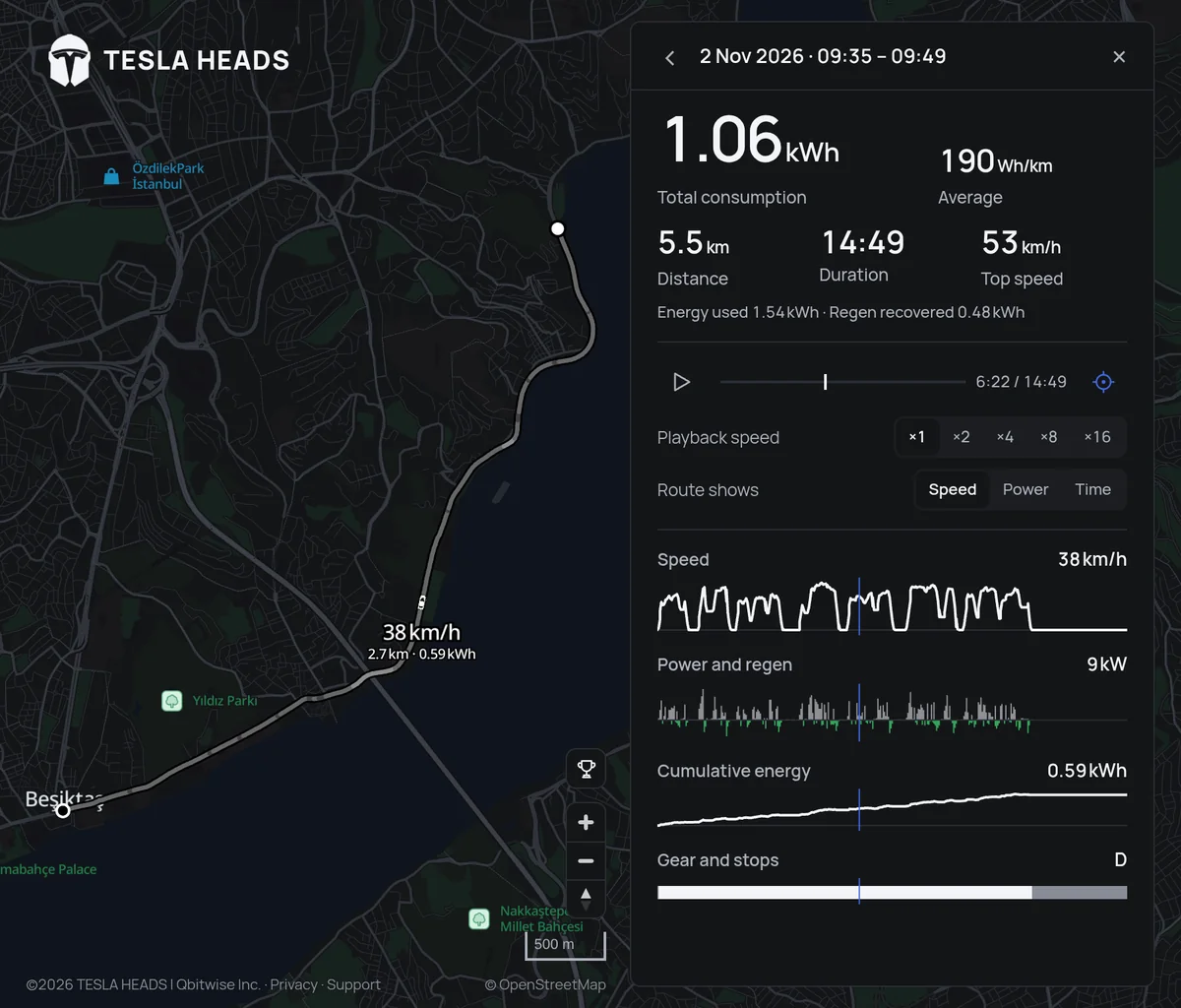
- On teslaheads.com: the route coloured by speed, power or time, and a replay
- Wh/km, energy used and regenerated, top speed, daily totals
- iPhone: a Live Activity on the lock screen and in the Dynamic Island
The website, teslaheads.com
-
Far away
Your Tesla account
Away from the car
Link your Tesla account and the car pushes its data through Fleet Telemetry. It is never polled. The map, alerts and state keep working when you are far away.
- Remote commands: climate on and off, temperature 15–28 °C, Keep, Dog and Camp modes, lock
- 30 free wakes a month
- Unlock, trunk, frunk, Sentry off, horn and lights are deliberately not remote
-
Anywhere
teslaheads.com
Map and friends
Show your car on the live community map to everyone, or only to friends you choose. New cars start hidden.
- Add friends by username or a TM-XXXXXX code, and give each permission one by one
- A photo and video gallery of the car, with location data stripped
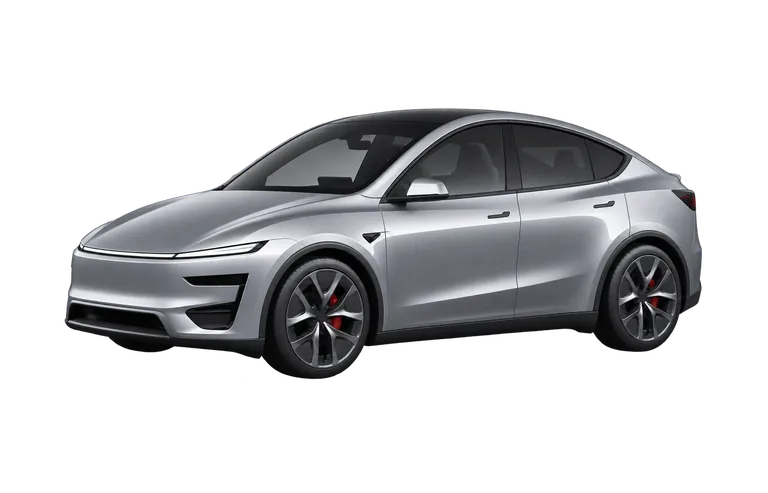
- Your car is drawn from its VIN and Tesla's own record: model, paint, wheels. Nobody picks it by hand